

My new stack for building iOS apps with Claude
I just built 2 new apps for iOS using only Claude Code and Codex. In this issue I go over my app development stack (Expo, Convex, Clerk, Posthog). Self driving app development is here!

Hey there!
Welcome to this edition of my newsletter, where I cover how to build profitable software without writing code using AI.
Over the last few weeks I’ve been working on a bit of a side quest developing some new mobile apps for iOS and Android and have been absolutely amazed at what I’ve been able to build.
So in this issue I’m going to talk through what I’ve learned from shipping 2 new apps, and the application stack that’s been working for me.
I have experimented with a bunch of different tools and landed on a stack which seems to work incredibly well, espescially for non coders like me building entirely using AI tools.
The apps I’ve been building are really different and just prove the variety of things you’re now able to build using AI.
The first is an internal app for a giant construction company, designed to help collect and manage data from hundreds of employees on building sites using phones and iPads.
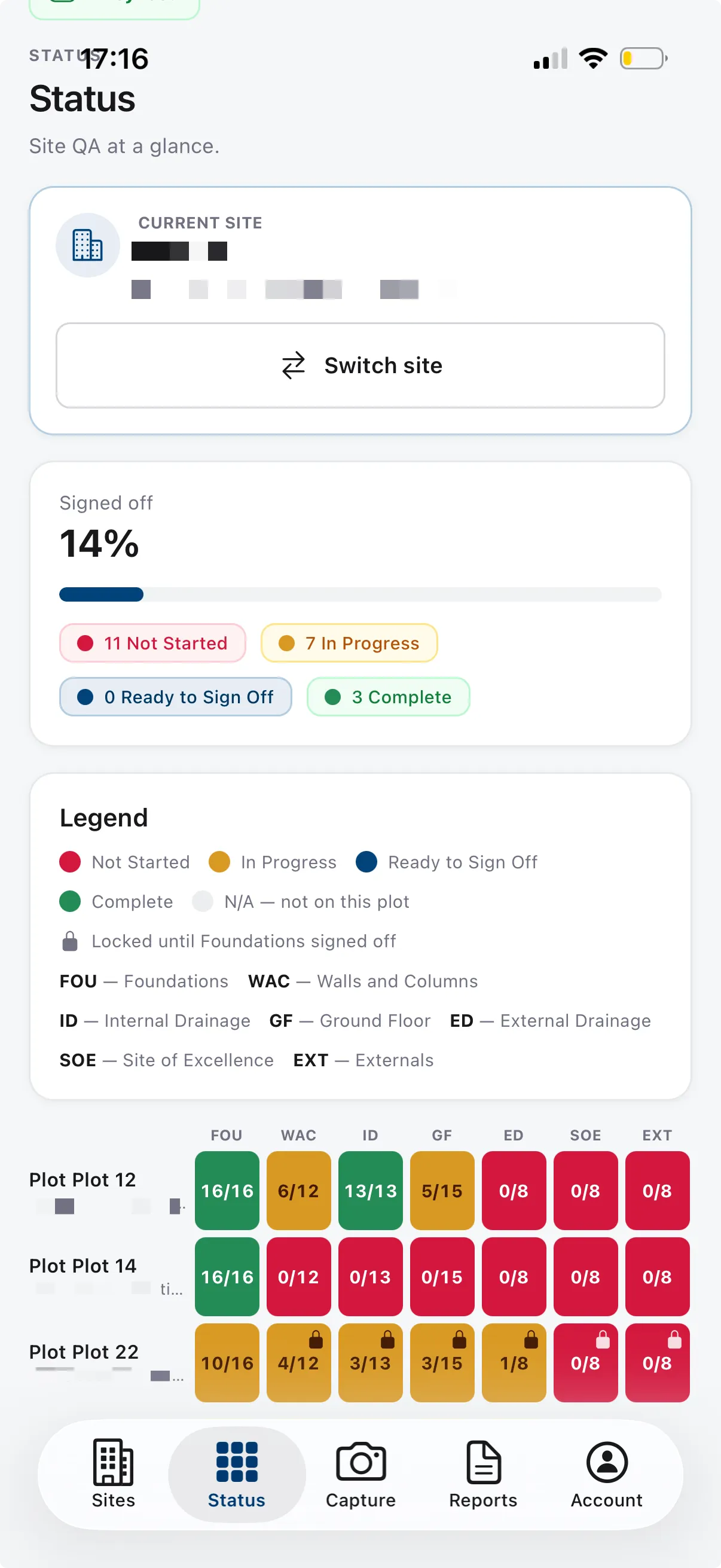
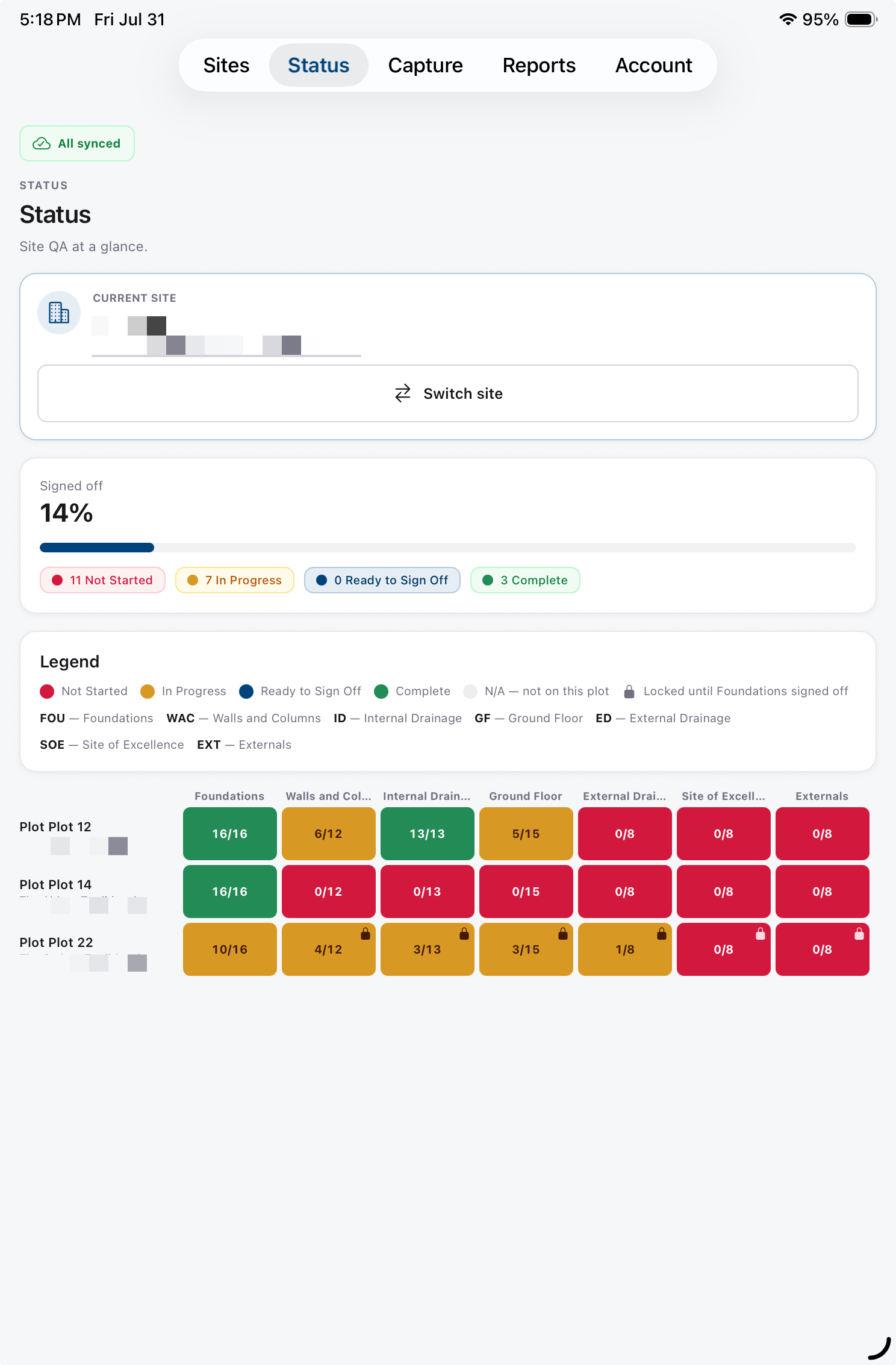
The second is an AI agent powered workout tracker, linked to Apple Healthkit which helps you tracks workouts and tracks your progress through a built in AI agent.
Video preview of the workout app, note the nice UI transitions and liquid glass bottom navigation.
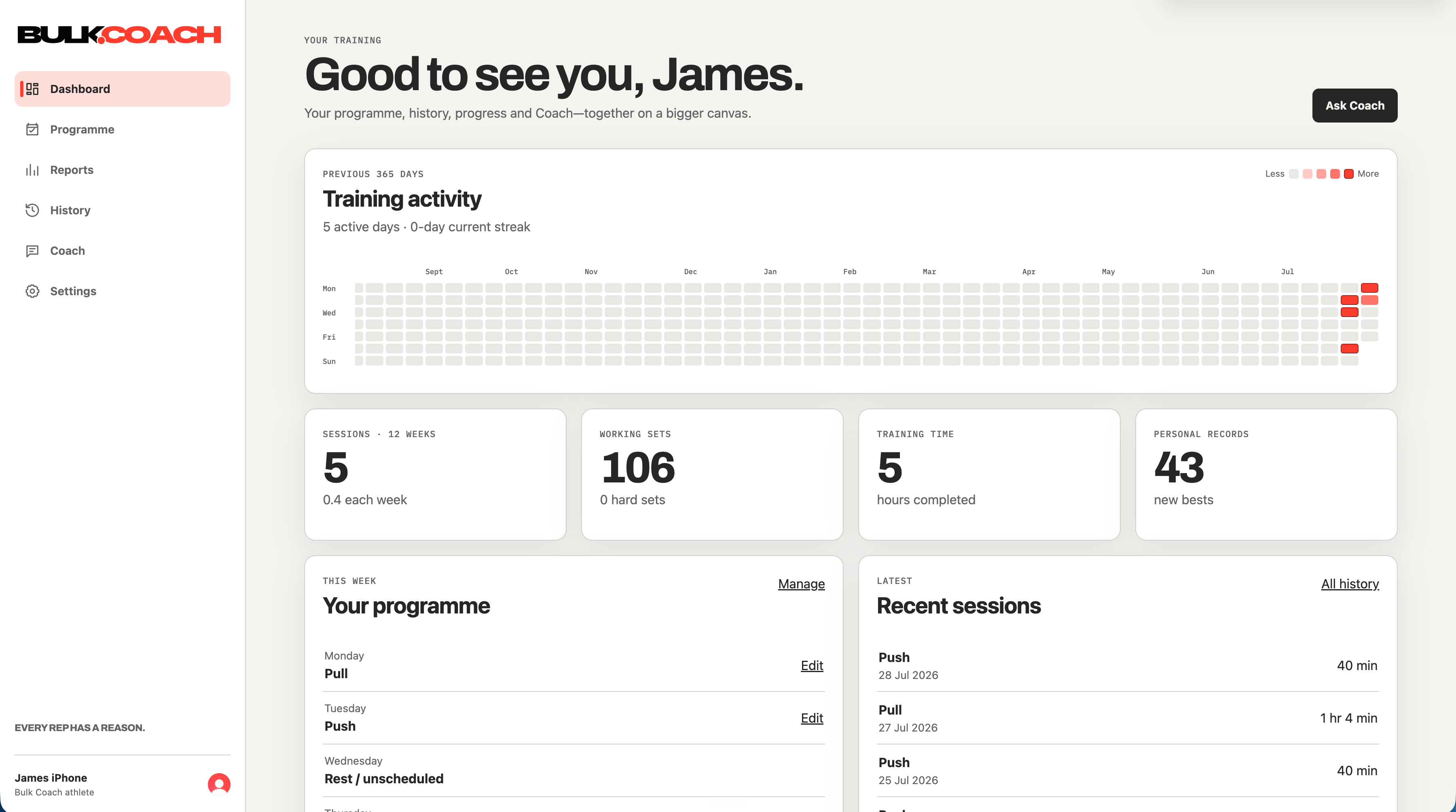
It’s worth mentioning how good I think both these apps look - they have beautiful liquid glass navigation, haptics, animations and generally I was pretty taken back about how polished and premium they feel.
Not only are they both native apps for iOS (iPhone AND iPad!) but they also have integrated web apps for making updates in more detail from a desktop and seeing live data.
I built all of this entirely using Claude and Codex, switching between the 2 tools depending on where I had not yet hit my usage limits (I ended up upgrading a few times as I was getting so much done!)
It’s only in the last few years it’s become possible for people like me to actually build and launch our own apps ourselves, firstly using tools like Bubble and now using AI.
I’m going to cover the entire application stack I used for building both these apps, which was a result of quite a bit of trial and error… working out what worked and was reliable to operate and easy to iterate on.
As ever, these tools are evolving rapidly and it can be hard to keep up with the current best way of doing things - but this is what worked for me and has proven to work amazingly well so I though it would be worth sharing my recipe. I’m sure things will all chahnge again in a month or two!
I’m going to cover each tool in my dev stack fairly briefly in this edition but will be doing deeper dives into each tool in future editions as they all have a lot of nuances.
One thing that connects all the tools I’m going to cover is how well they work with AI. They all have fantasic plugins and MCPs that let Claude & Codex stitch everything together.
Expo
Expo is a framework for building native mobile apps. You write the app once and it compiles to real native apps for iPhone, iPad and Android. This is what I used to build both of the apps.
It’s built on React Native, and both Claude and OpenAI seem to work amazingly well at generating code with it.
I did experiment a bit with making apps directly in Swift (Apple’s native framework) but wasn’t able to get as great results as I ended up getting with Expo. Plus Expo has tons of great examples and demo code for doing things like liquid glass native app navigation. This is what I used to get the really native feeling navigation bar. All I did was point Claude at that and it implemented it.
The other big benefit of using Expo is that you can easily deploy to both iOS and Android with minimal tweaks.

Expo’s cloud service EAS, handles the release process, compiling the app, managing Apple’s code signing, and submitting builds to TestFlight and the App Store.
It also supports over-the-air updates, which deliver smaller changes directly to installed apps without going through App Store review.
Claude connects to Expo through an MCP plugin and through the iOS simulator on my Mac. It can build the app, launch it in the simulator, take screenshots and tap through screens, so it verifies its own changes before I look at them.
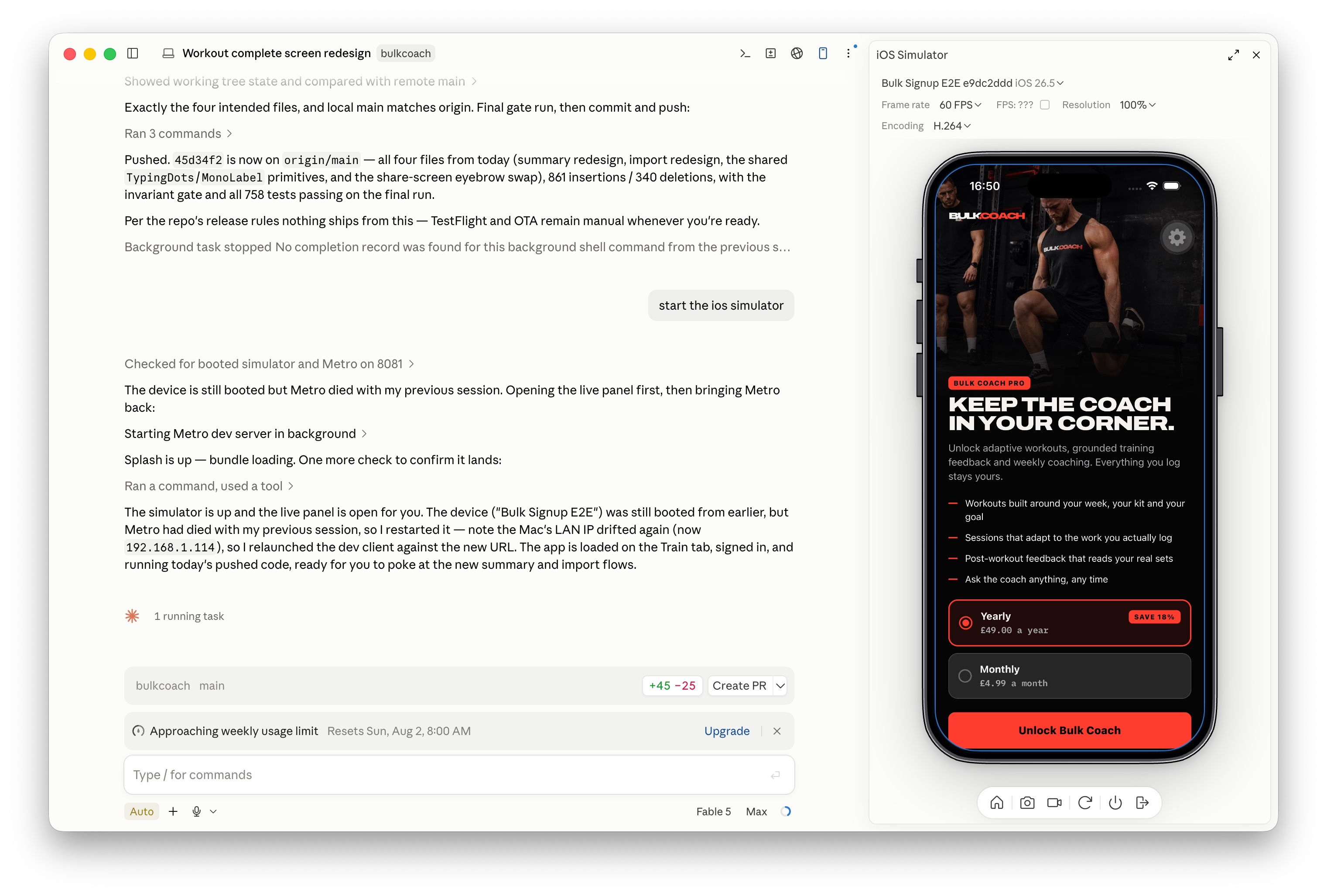
It’s really fun to watch Claude testing the app in real time, and fix bugs before I ever see them myself!
Convex
Convex is the backend: the database where all the app’s data lives, and the functions that run against it. The backend code sits in the same project as the app code, which matters for AI development… Claude can see the entire system, front to back in one place.
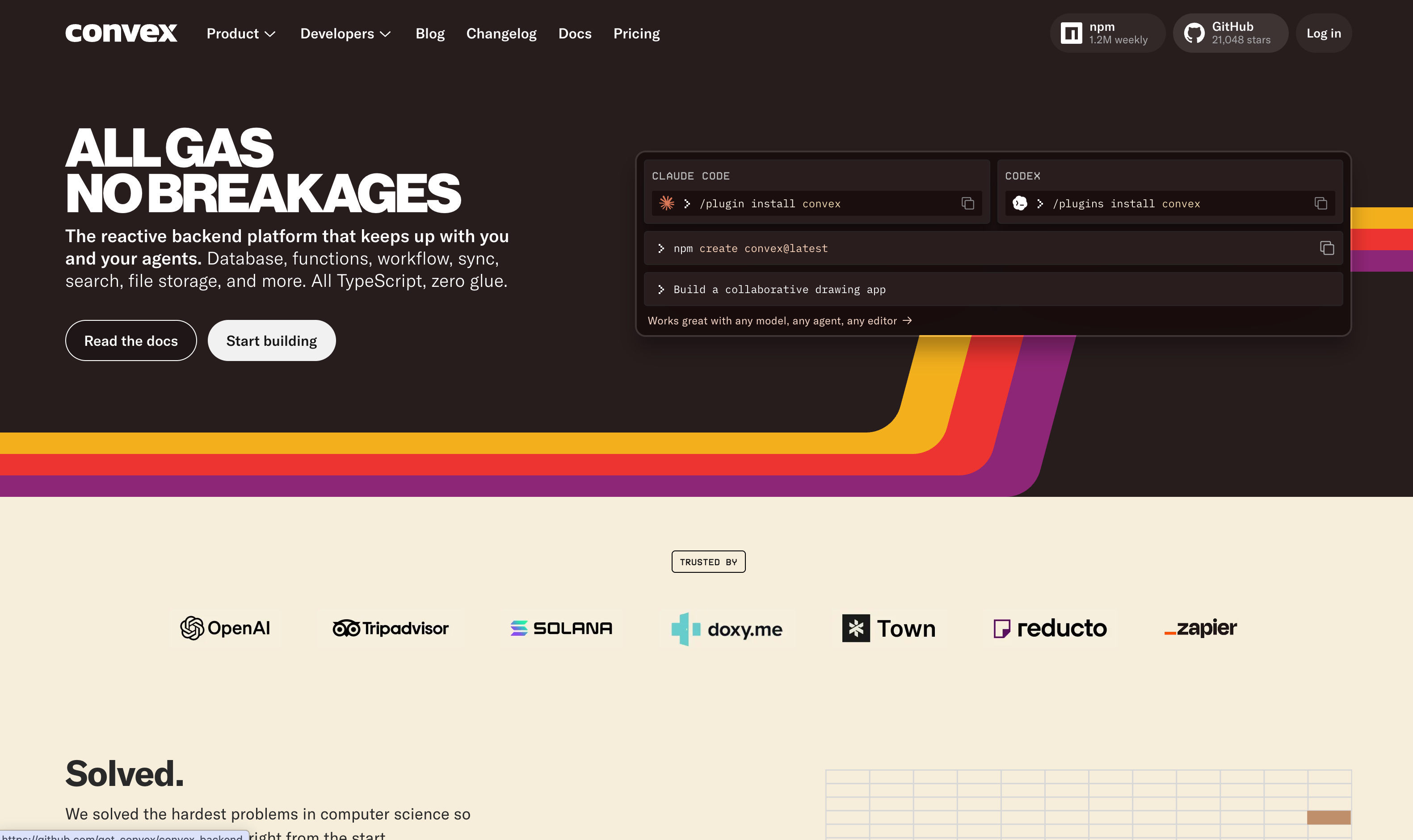
I was previously using Supabase for all my projects but recently switched to Convex for this reason. It just works exceptionally well with AI development.
Data in Convex is real-time by default. When a value changes, every screen showing it updates immediately on phone, iPad, web dashboard with no refreshing.
Convex also has a clean split between development and production which I found really valuable.
Each project gets a development deployment - a full, separate copy of the backend, isolated from real users.
All my AI building happens there, and in dev mode every code change syncs to that deployment within seconds of saving, so a new feature is testable almost as soon as it’s written.
Production only changes when a release runs through GitHub.
It’s worth mentioning that Convex isn’t just a database, it actually runs the apps entire backend. In my examples this means its handling things like sending push notifications, generating PDFs etc.
Clerk
Clerk handles authentication: sign in with Apple, Google or email, keeping sessions valid, and the account security around all of it.
If you’ve ever built an app before you’ve probably wasted tons of time on getting all the authentication working.
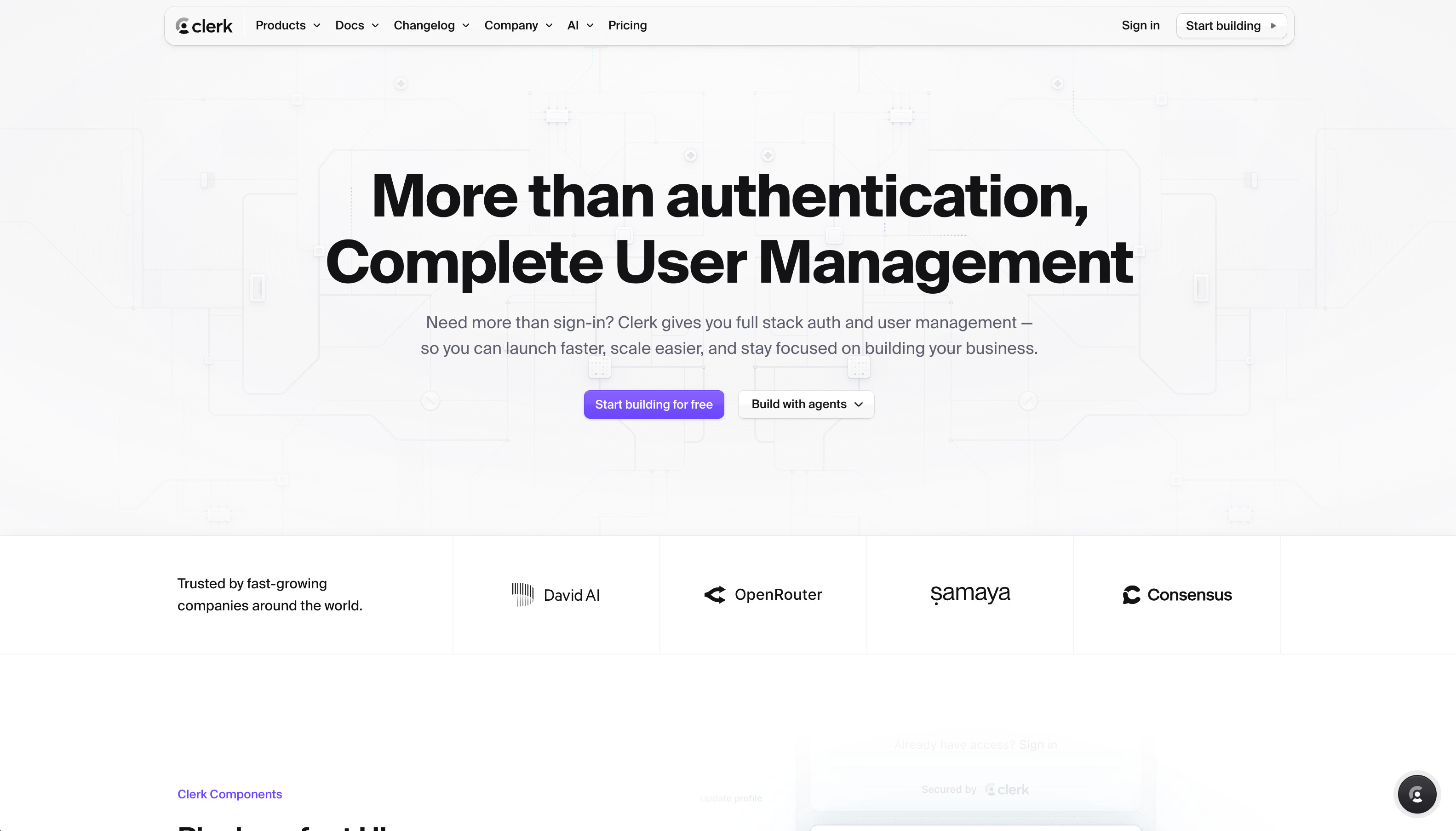
I tried a few different auth providers and ended up using Clerk on all my projects - it just works amazingly well across everything from native mobile to one time email passwords to sign in, it handles it all.
The other thing Clerk handles is the concept of ‘Organisations’ or attaching multiple users together in a team and managing permissions of who can see what. Which typically can be a pain to set up and manage if you do it yourself.
Clerk also has loads of integrations and works really well with both Expo and Convex, I’m still on the free plan for all my projects and the pricing seems pretty fair.
Clerk publishes setup guides written specifically for AI coding agents, so Claude built the sign-in flow by following Clerk’s own instructions.
It can also administer accounts, creating test users, checking configuration all without me opening a dashboard. It’s quite amazing to watch!
Cloudflare
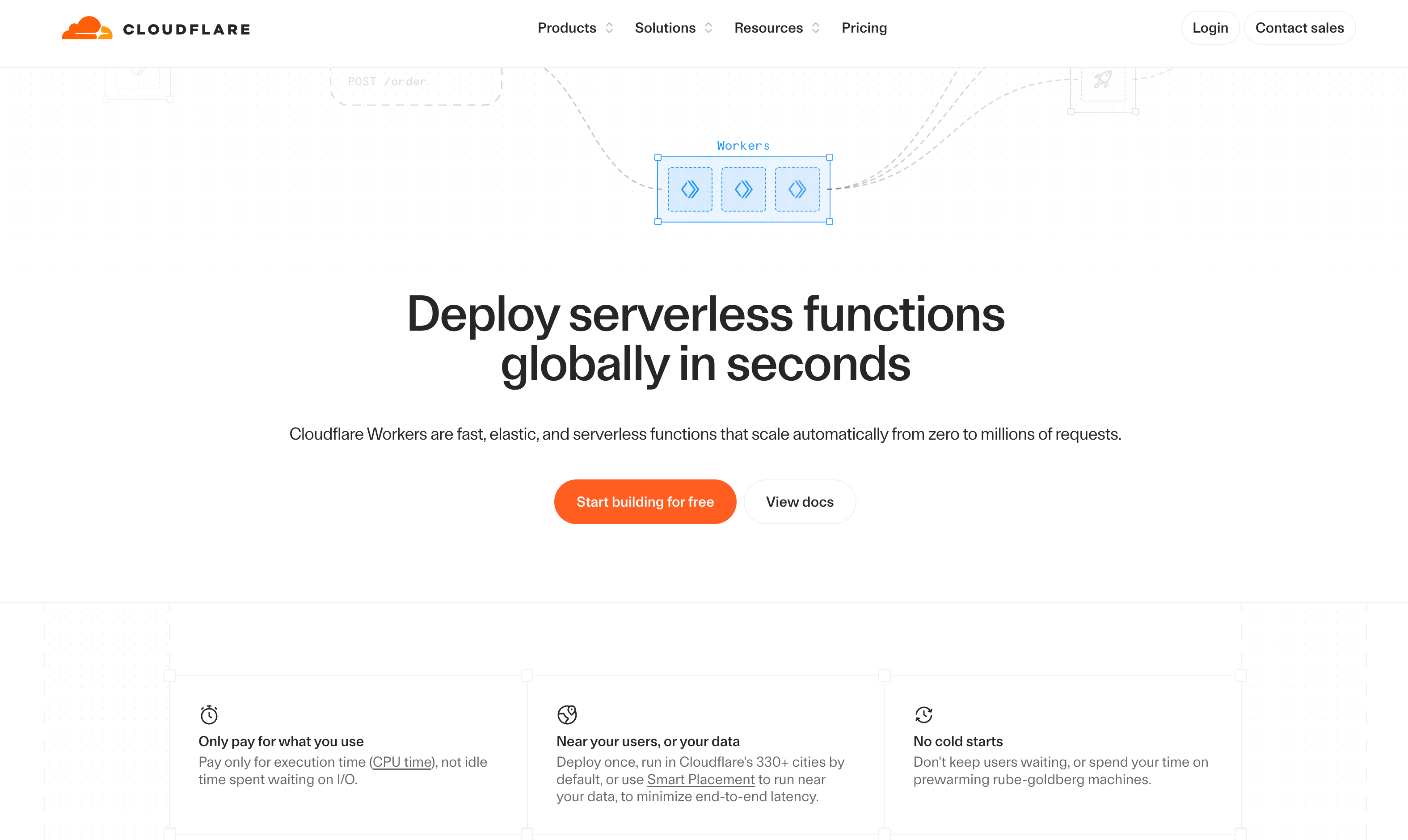
Cloudflare Workers hosts the web apps. I’ve covered Cloudflare loads in the past and I love it as my default platform for hosting any apps now
.
It’s super cheap and even free for most projects and works really well with auto deploying code via Github.
For the application itself I used the OpenNext version of Next.js and works amazingly well.
Both my web apps are running on the Cloudflare free plan with abolutely no issues and lightning fast.
Worth mentioning this is just really hosting the UI of the web app, all the app logic and backend is really handled by Convex.
The other option which can be worth considering for this is Vercel. It’s a great option for hosting your web apps but can get a bit more expensive.
GitHub
GitHub stores the master copy of the code and the complete history of every change. When Claude or Codex finish a piece of work, the changes go to GitHub as chunk of work. I can read a summary and a line-by-line view of exactly what changed, and any change can be rolled back if needed.
The other half of GitHub is its automation. Every push automatically runs the project’s checks and tests.
Releases are a pipeline: one trigger, and GitHub deploys the backend changes to Convex first, then publishes the new web app to Cloudflare and Expo.
This all means its easy to roll back if you ever need to (which does happen!!) but then all you need to do is to ask Claude to roll the app back to a previous version.
I try and work on features in a fairly granular way bit by bit and commit them to Github as you go, this way if AI does suddenly take you off track you’re able to get back to where you were easily.
PostHog
PostHog monitors the apps in production, and it has become a core part of my AI development flow, I actually don’t know how I could manage without it now.
The reason it’s become so valuable to me is how it monitors all the logs across all of the services I mentioned above. It picks up any errors in the native apps in Expo, any issues in Convex, Clerk or Cloudflare.
Then it either recommends the fixes to you right in it's AI dashboard, or you can let Claude talk to it over MCP to discover and fix issues.
It really does make running these kind of apps possible for non developers. They even describe it themselves as helping put your product into self driving mode… it literally can fix the app itself as things go wrong!!
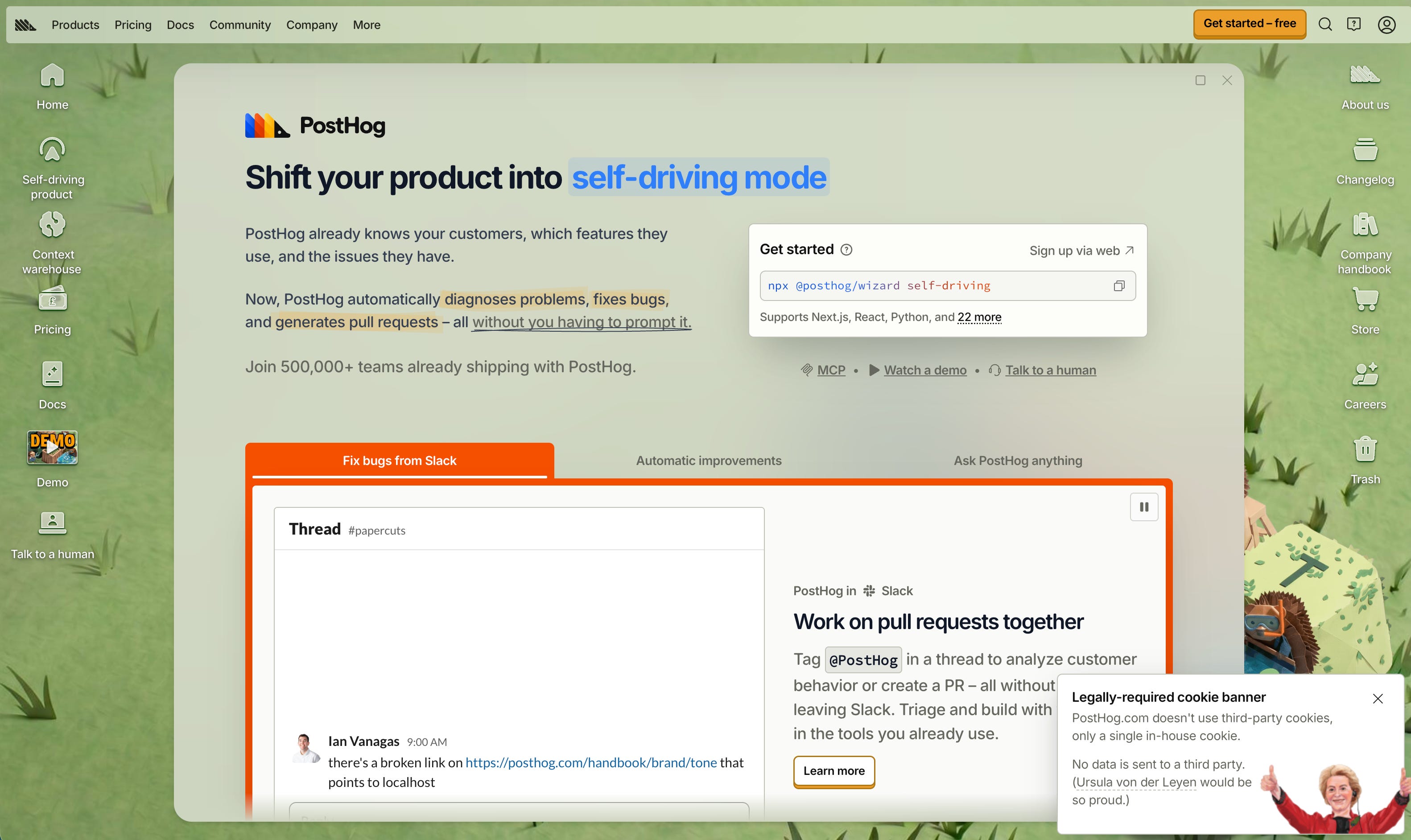
And because not only is it pulling in logs from your entire stack, it also has access to the underlying code in Github which makes it’s auto fixes possible.
They have a super generous free plan and it works across almost any app so I really recommend giving it a go, I have been blown away by some of the things it’s doing!
That’s it for this week!
I hope you found this issue helpful in working out how to build your next app. If you want to copy this application stack a good way to do it would be to point Claude at this blog post and ask it to use it as a basis for the app you want to build!
All these tools work so well together because they all have amazing plugins and MCPs for both Claude and Codex. It’s honestly been so eye opening building things with this stack for me, I have been really suprised by how good some of these apps look.
I know this has been a bit of a whistle stop tour of some of these tools but I think I’ll cover them in more detail in future issues. Convex and Expo in particular have a lot of elements to them so there’s a lot to cover.
Please do drop me a reply if you liked this issue or have any questions. I love hearing from you!
All the best, James.